
Storybook Illustration AI Video Generator
Generate storybook illustration style videos from text in minutes. Painted pages, expressive characters, and warm illustrated scenes — no video upload required.
No credit card needed.
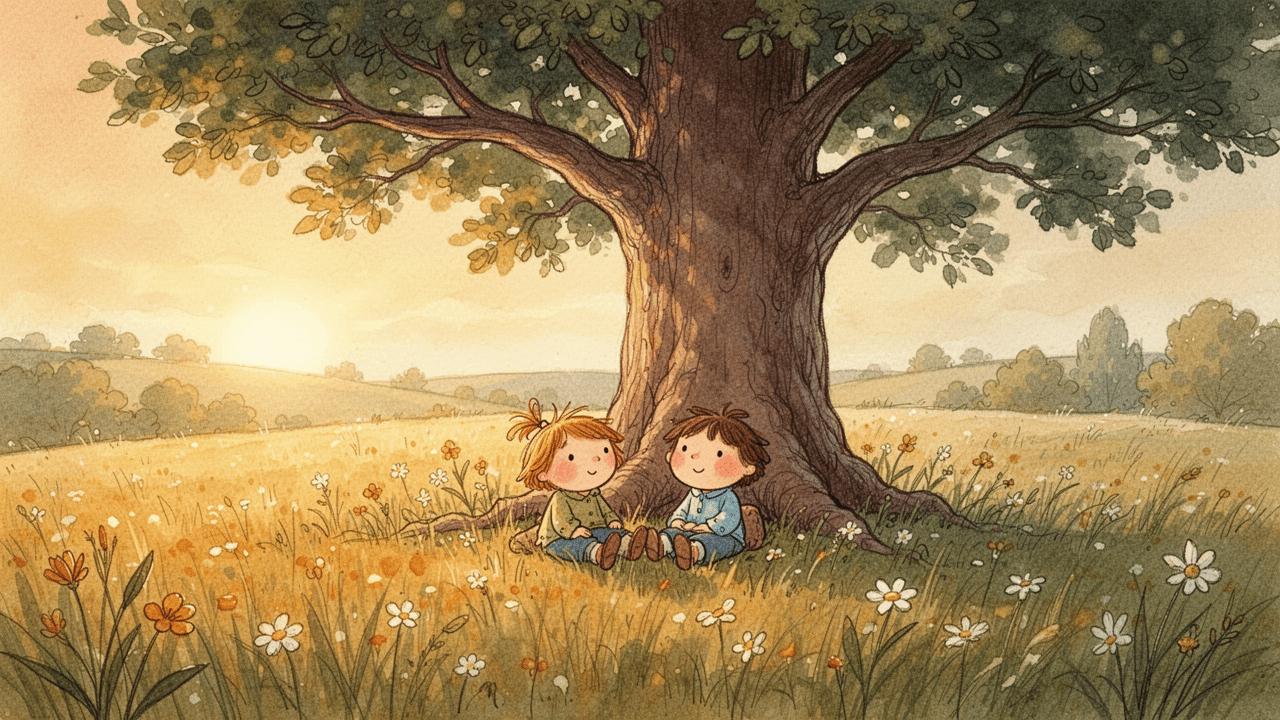
Explore Storybook Illustration Video Styles
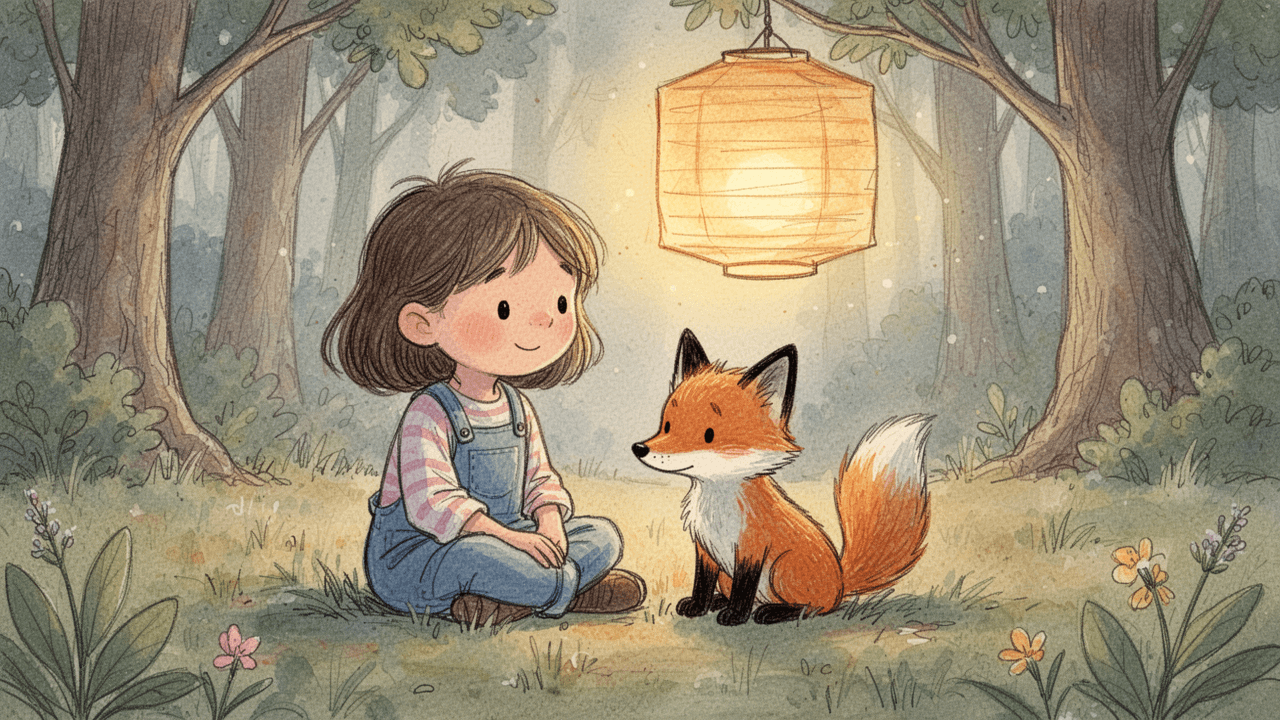
Classic Picture Book
Perfect for children's education channels, bedtime story narrations, and family-friendly storytelling. Works beautifully for episodic content where warmth and imagination carry each scene.
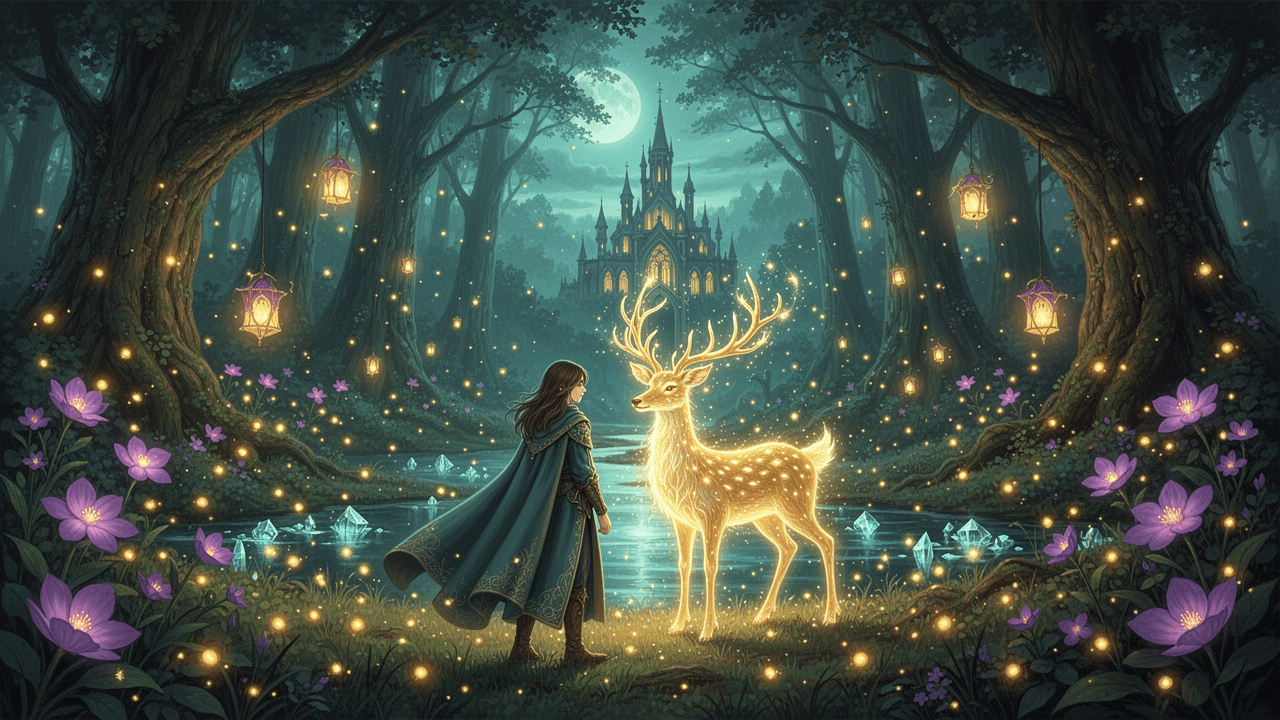
Enchanted Forest Fable
Ideal for fairy-tale retelling channels, mythology explainers, and fantasy narrative storytelling. Suits voiceover-led content with a sense of wonder and mystery in every scene.
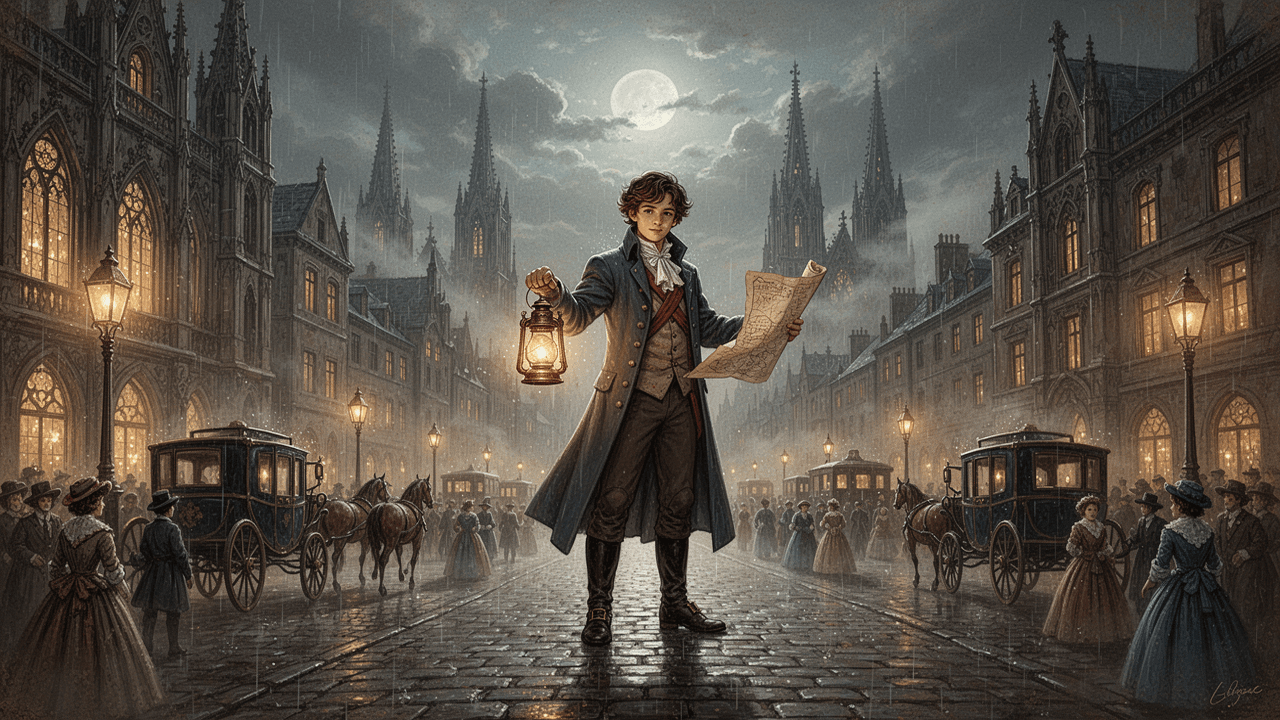
Vintage Illustrated Tale
Great for historical storytelling channels, educational explainers, and heritage-themed narratives. Works well for structured long-form content where period detail and visual richness support the script.
How to Generate Storybook Illustration Videos
1
Write your story script
Paste your story into the Video Maker, or let our auto-script mode write it for you based on your idea input.
2
Add the "Storybook Illustration" prompt
Open the "Select Style" menu and choose "Custom" for "Style". Type your storybook illustration aesthetic into the prompt box — for example, "soft watercolor washes", "hand-drawn ink outlines", "warm storybook palette", or "textured paper background" — to lock in the visual style.
3
Generate, refine, and finalize
Design your characters in Step 2, or skip straight to the storyboard phase. Watch your script transform into a storybook illustration visual timeline where you can edit scenes, tweak characters, and add AI voiceovers before finalizing.
Trusted by 110K+ Creators
“I tried every software under the sun. Most didn't help. But Crreo got me where I am today—I'm monetized on YouTube now.”
— New YouTuber (Spirituality)
“I cannot be a video creator without Crreo. It is the one tool that gives you everything you need to create. There aren't many tools like this.”
— Part-time Video Creator (History)
“I have tried many AI tools and they are all so expensive. Crreo is, without a doubt, the best platform for the price.”
— Part-time YouTuber (Horror fiction)
Your Complete Studio for Long-form Illustrated Video
Crreo turns your script into a complete AI video — characters, storyboard, voiceover, music, and editing in one workflow. Any visual style, up to 30 minutes.
Start for free
No confusing credit systems
Flexible top-ups available
Frequently Asked Questions
Do I need to draw or illustrate anything to make a storybook illustration AI video?
Can I produce a long storybook illustration video that stays consistent across chapters?
How do I keep my storybook characters looking the same in every illustrated scene?
How do I apply a specific storybook illustration look — like watercolor or vintage ink — across every scene?
What types of content work best with a storybook illustration video style?
Is there a free plan to try storybook illustration AI videos, and what do higher tiers unlock?