
Precise Edits, No Wasted Credits
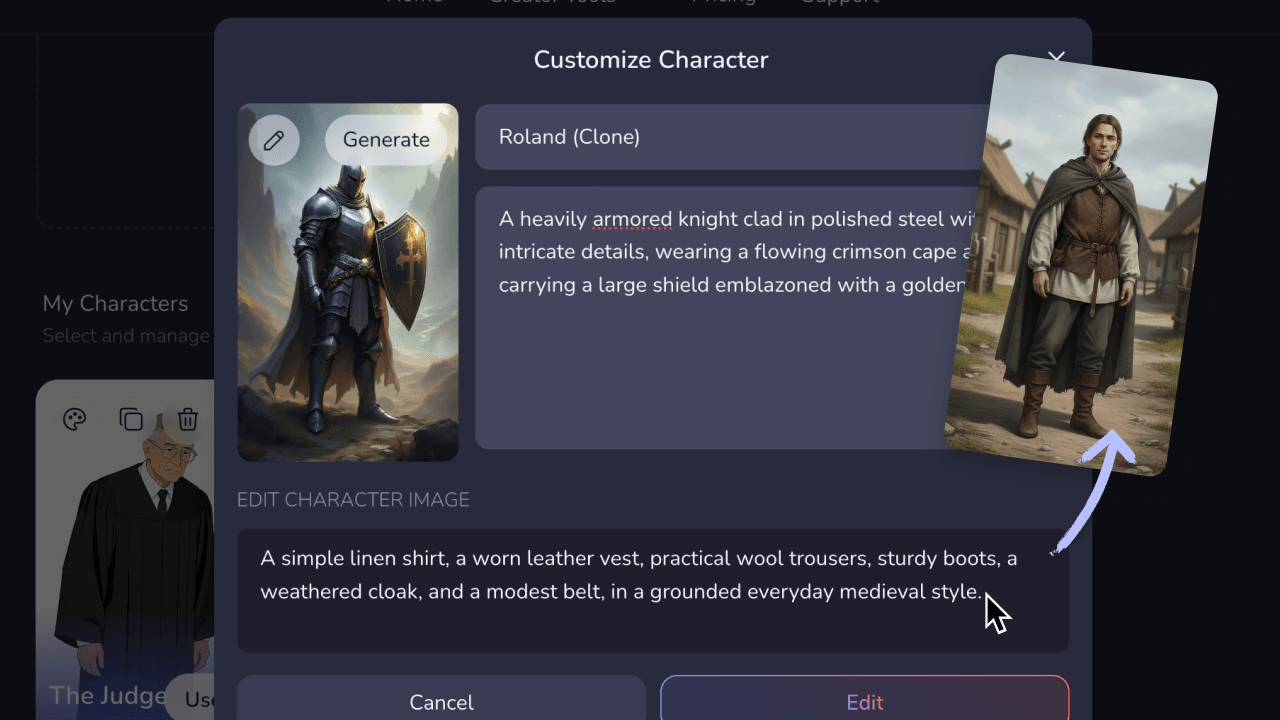
Change character details
Change a character's outfit, hairstyle, or face. Add a secondary character to a scene or adjust their look mid-story. Every change is applied precisely to that frame — your other scenes stay untouched.
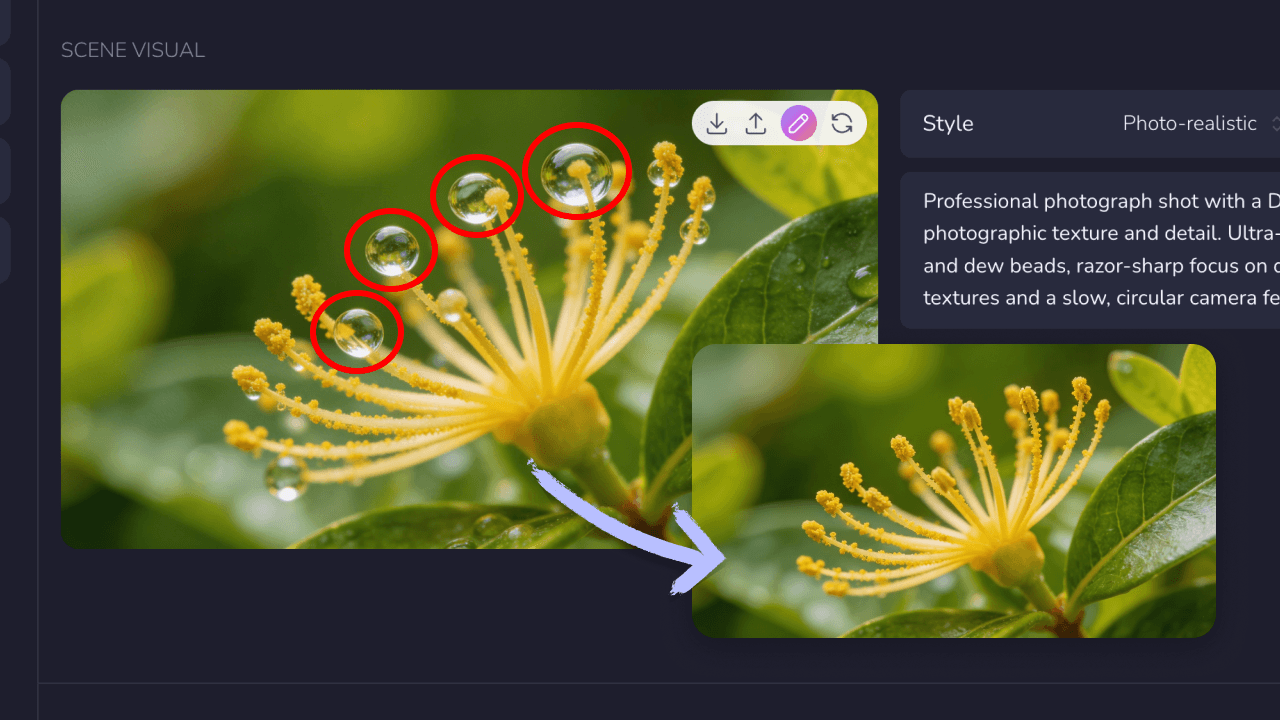
Add or remove elements
Drop in a prop, add a text element, or erase an object that's pulling focus. Describe what you want in plain text and the AI handles the rest — no manual selection, no masking, no layers.
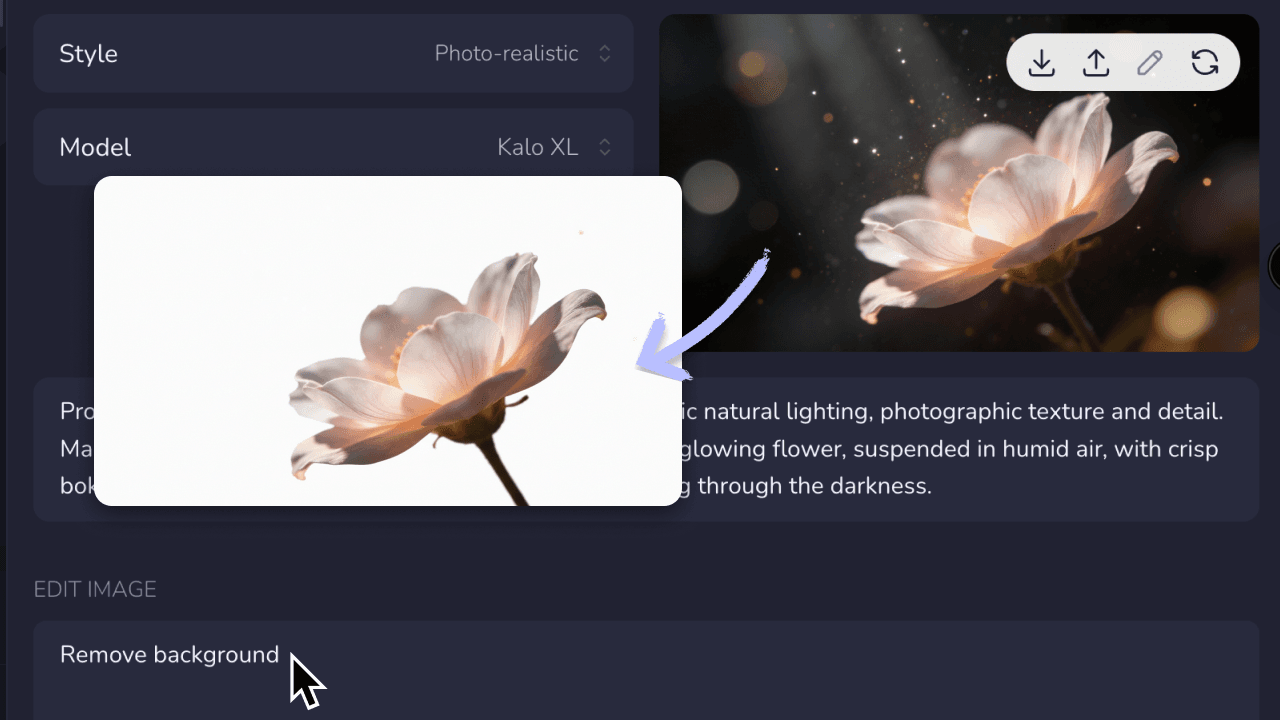
Swap scene backgrounds
Swap out a background that doesn't fit the mood, the scene, or your story. Describe the setting you want and the AI replaces it — keeping your character and foreground intact.
How It Works
1
Generate your storyboard
Build your video in the Video Maker. Once your scenes are generated in Step 3 (Storyboard) or laid out in Step 4 (Timeline), you're ready to fine-tune any scene that doesn't look right.
2
Click the edit icon on any scene
Select the pen icon on any storyboard frame or timeline asset. This opens the scene editor directly inside the Video Maker — no separate tool, no context switching.
3
Describe your change and apply
Type what you want to change in plain text. The AI makes the precise edit and updates the scene instantly. Iterate until it's exactly right — without affecting any other scene in your video.
Trusted by 110K+ Creators
“I tried every software under the sun. Most didn't help. But Crreo got me where I am today—I'm monetized on YouTube now.”
— New YouTuber (Spirituality)
“I cannot be a video creator without Crreo. It is the one tool that gives you everything you need to create. There aren't many tools like this.”
— Part-time Video Creator (History)
“I have tried many AI tools and they are all so expensive. Crreo is, without a doubt, the best platform for the price.”
— Part-time YouTuber (Horror fiction)
Your Complete Studio for Long-form Video
Go beyond scene editing. Create long-form videos up to 30 minutes with scripts, characters, storyboards, custom voices, and thumbnails in one flow. Designed for non-technical creators.
Start for free
No confusing credit systems
Flexible top-ups available
Frequently Asked Questions
Do I have to regenerate my whole video to fix one scene?
What can I edit in a scene?
Where do I find the scene editor in the Video Maker?
Can I edit the motion in my scenes?
Can I keep editing the same scene more than once?
Which plans include the scene editor?