
Free Vintage Retro AI Video Generator
Generate vintage retro style videos from text in minutes. Soft film grain, faded color palettes, and nostalgic analog textures — no video upload required.
No credit card needed.
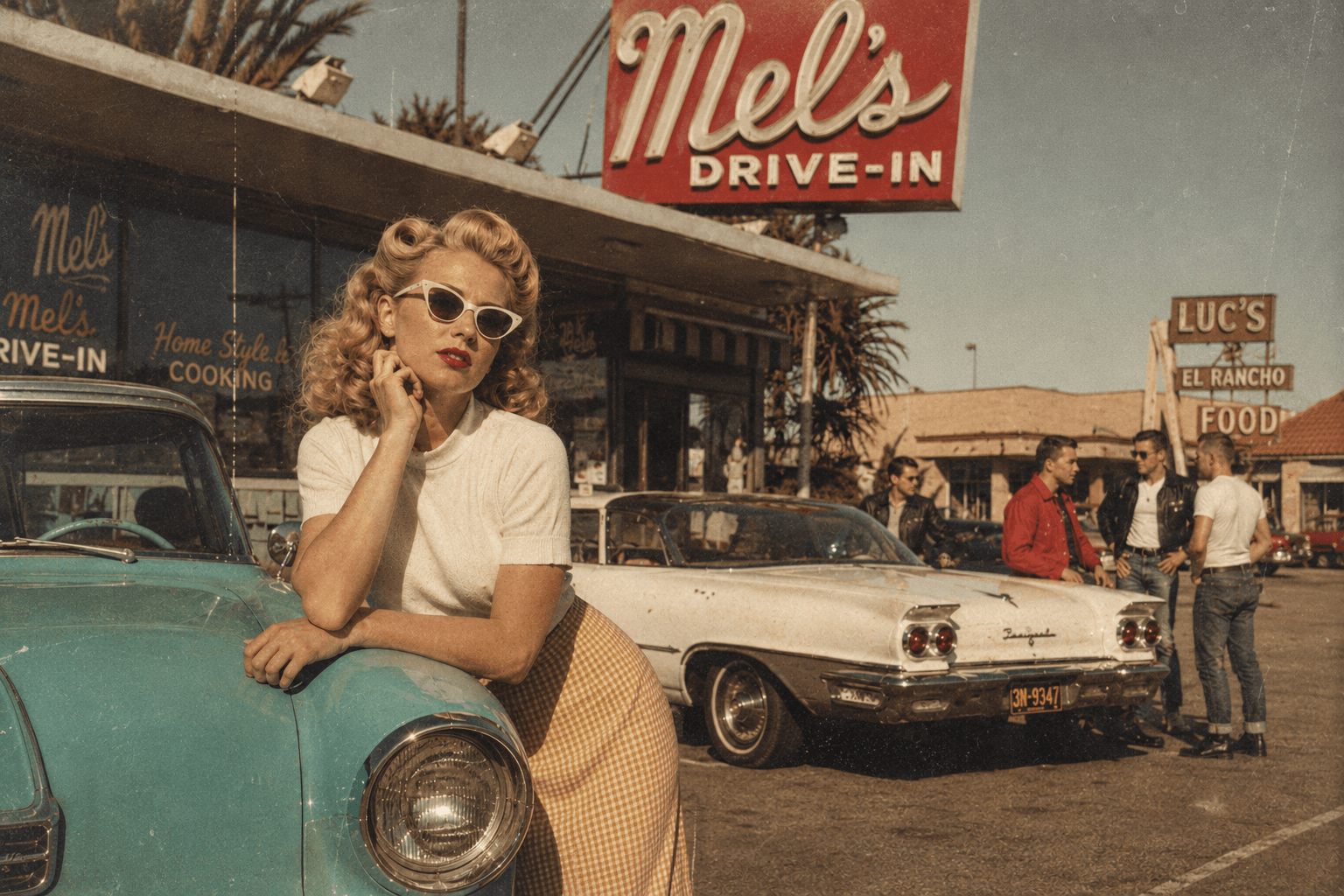
Explore Vintage Retro Video Styles
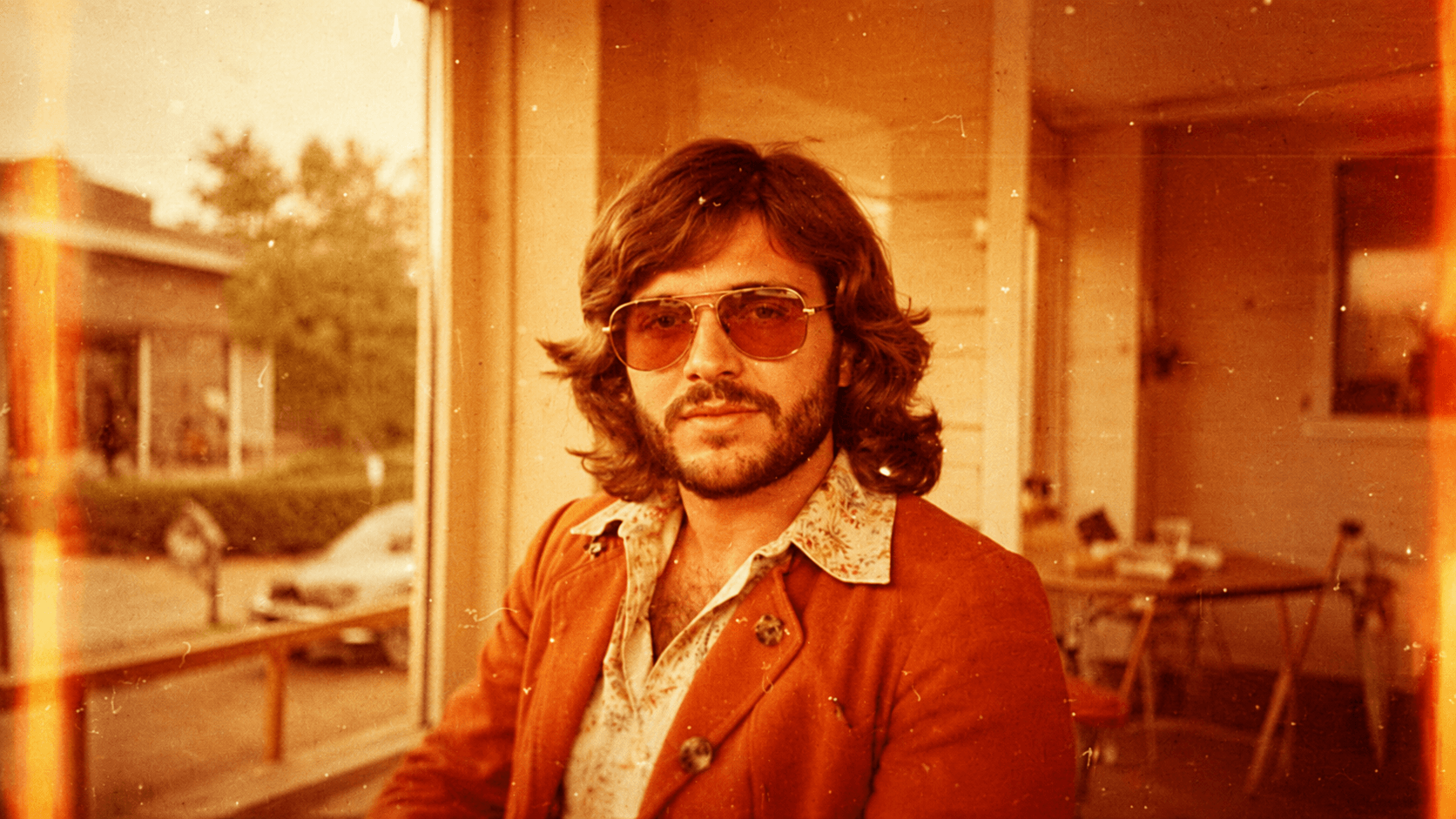
Warm 70s Film Grain
Perfect for nostalgic storytelling and documentaries. Generate warm amber tones, visible film grain, and soft light leaks.
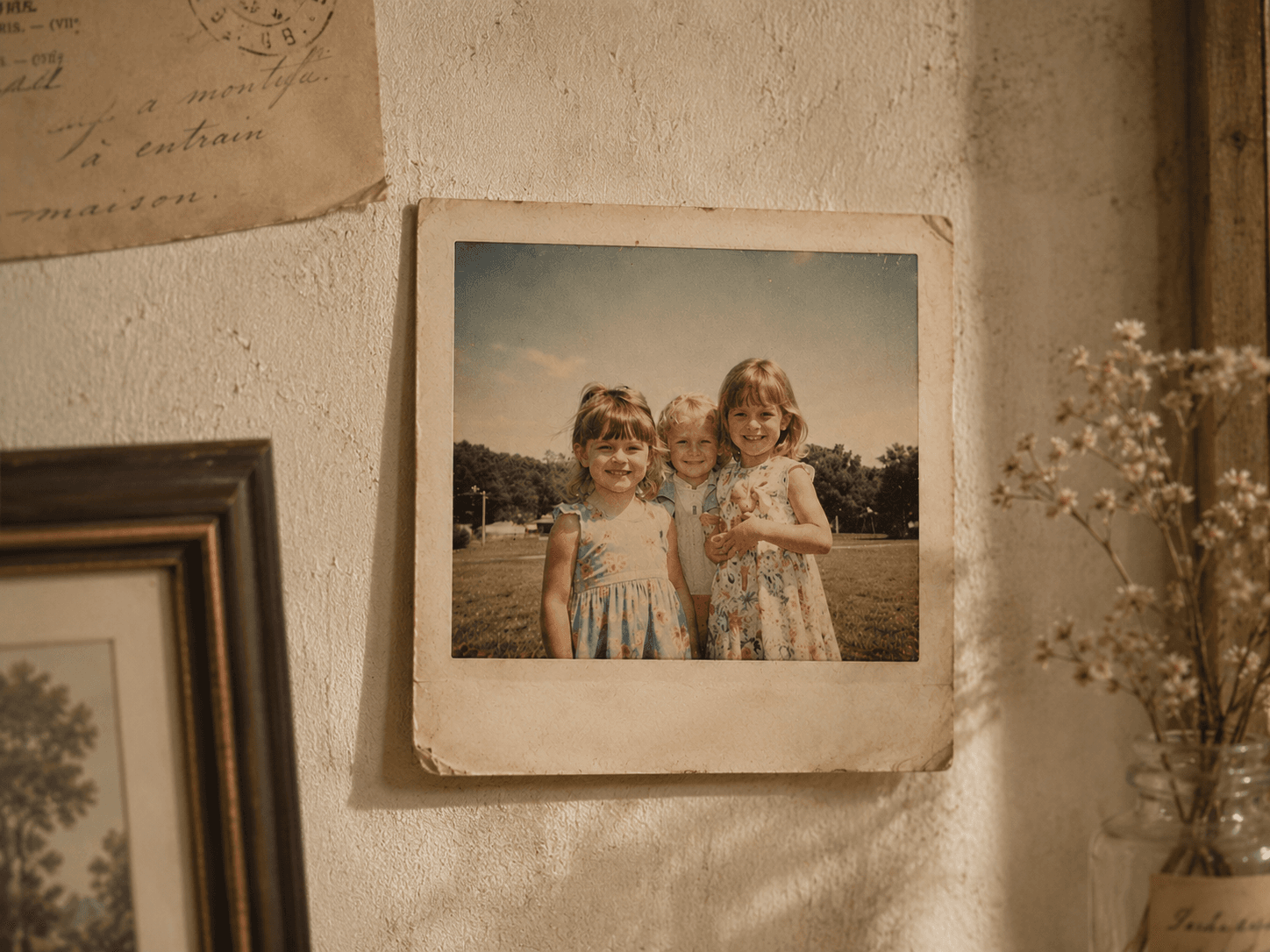
Faded Polaroid Snapshot
Generate the look of vintage instant photography. Use faded pastel tones and washed-out highlights for a nostalgic photo album feel.
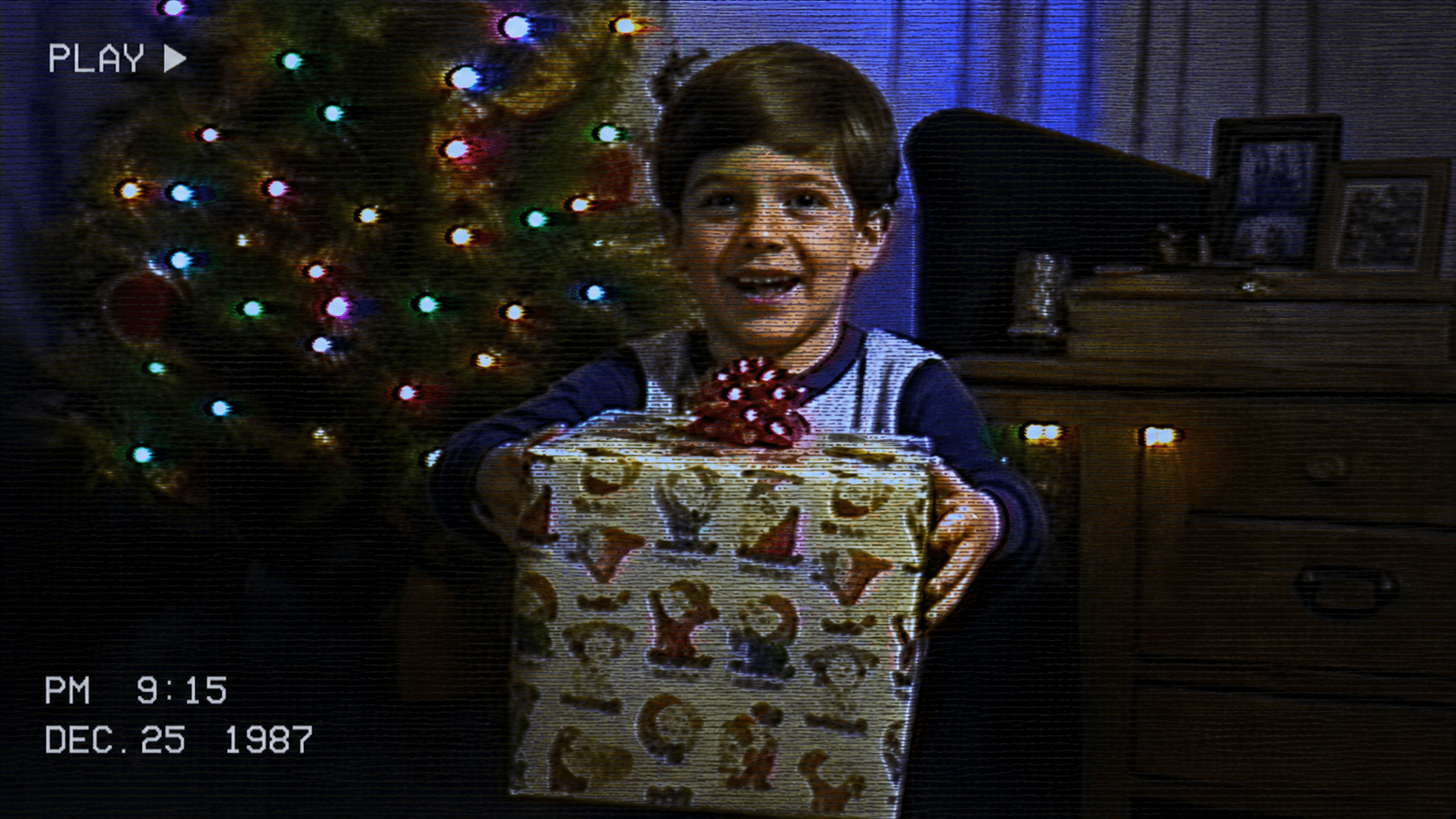
Classic VHS Analog
Generate the look of 1980s home video recordings. Use visible scan lines, color bleed, and analog distortion for retro storytelling.
How to Generate Vintage Retro Videos
1
Write your script
Paste your story into the Video Maker, or let auto-script mode expand your idea into a full narrative ready for vintage retro visuals.
2
Apply the vintage retro style
Open the "Select Style" menu and choose "Custom" for "Style". Type your desired retro aesthetic—such as "1970s film grain with warm faded tones and light leaks"—into the prompt box to lock in the vintage look.
3
Generate and edit
Design your characters in Step 2, or skip straight to the storyboard phase. Watch your script transform into a vintage retro visual timeline where you can edit scenes, tweak characters, and add AI voiceovers before finalizing.
Trusted by 110K+ Creators
“I tried every software under the sun. Most didn't help. But Crreo got me where I am today—I'm monetized on YouTube now.”
— New YouTuber (Spirituality)
“I cannot be a video creator without Crreo. It is the one tool that gives you everything you need to create. There aren't many tools like this.”
— Part-time Video Creator (History)
“I have tried many AI tools and they are all so expensive. Crreo is, without a doubt, the best platform for the price.”
— Part-time YouTuber (Horror fiction)
Your Complete Studio for Long-form Video
Crreo turns your script into a complete AI video — characters, storyboard, voiceover, music, and editing in one workflow. Any visual style, up to 30 minutes.
Start for free
No confusing credit systems
Flexible top-ups available
Frequently Asked Questions
Do I need to upload a video to create a vintage retro style video?
Can I make a long vintage retro style video?
How do I keep my characters looking consistent in a retro style video?
What voice options pair well with vintage retro videos?
Is Crreo free to use for vintage retro videos?