
Free Watercolor AI Video Generator
Free Watercolor AI Video Generator
No credit card needed.
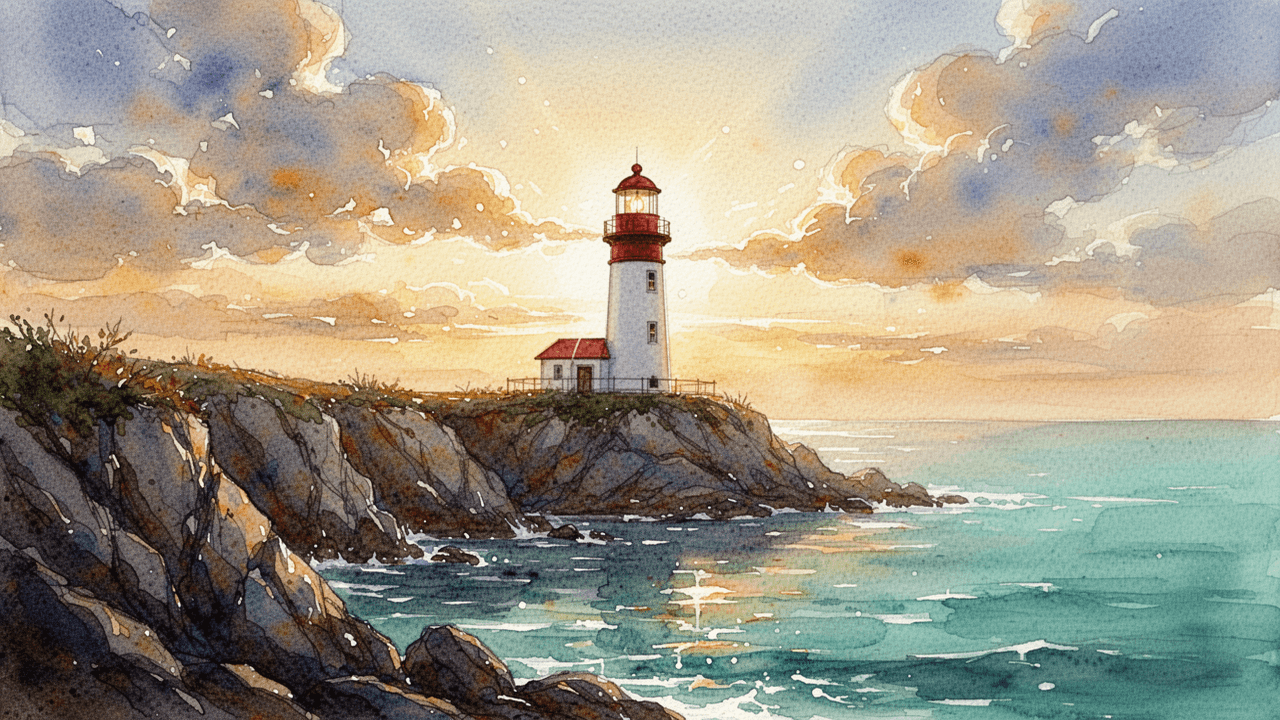
Explore Watercolor Video Styles
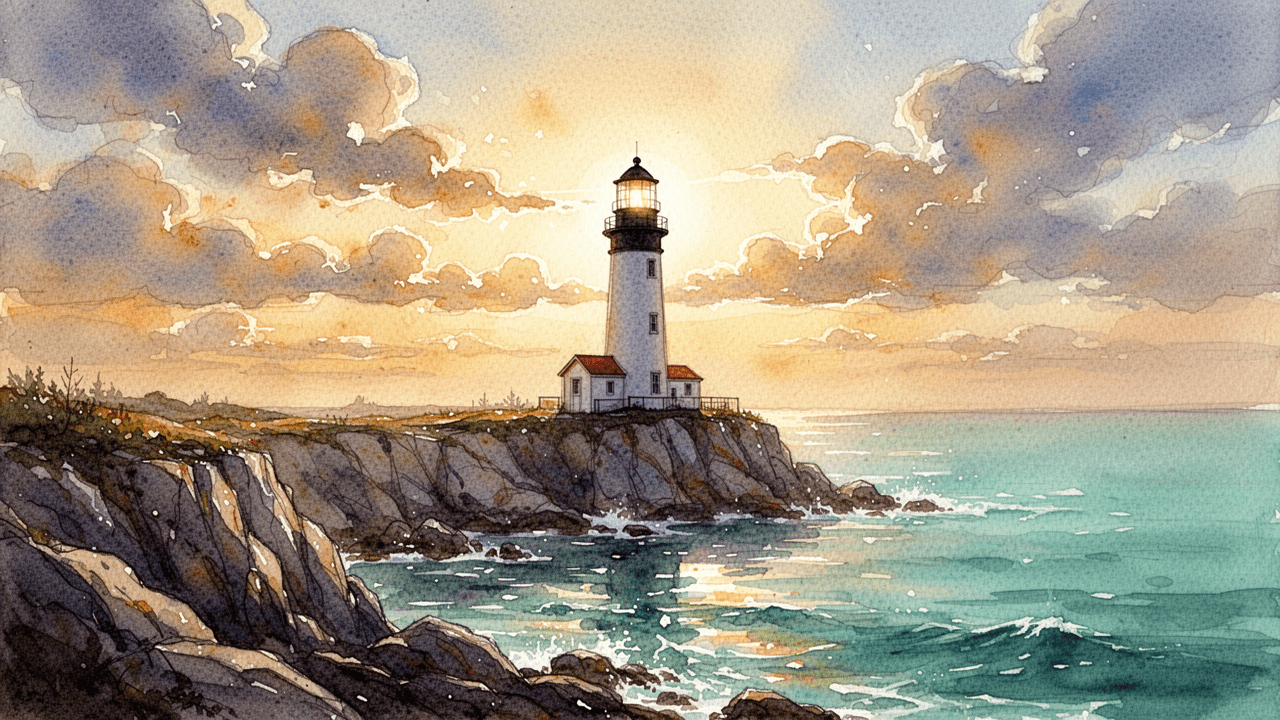
Soft & Luminous Landscape
Great for travel channels, meditation content, or nature documentaries. Also fits ambient background visuals for podcasts and relaxation videos.
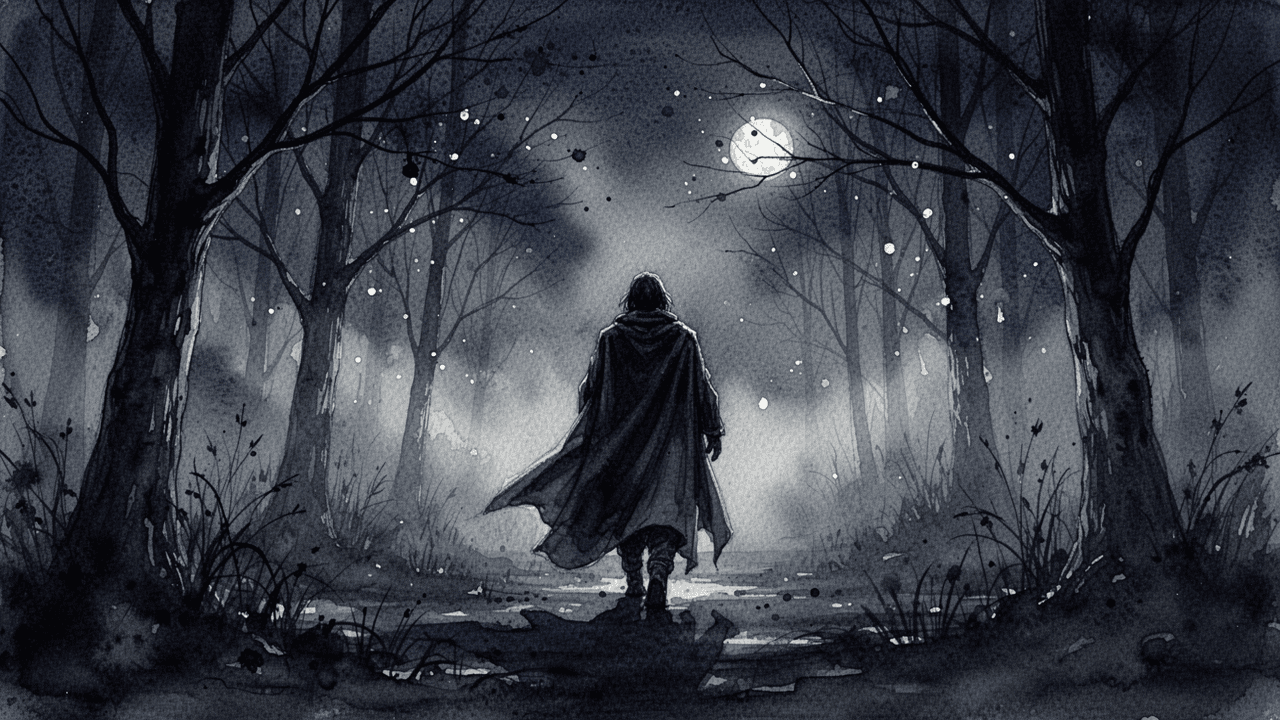
Dark & Moody Ink Wash
Ideal for horror storytelling, mystery narratives, or dark fantasy channels. Works well for atmospheric book-to-video adaptations.
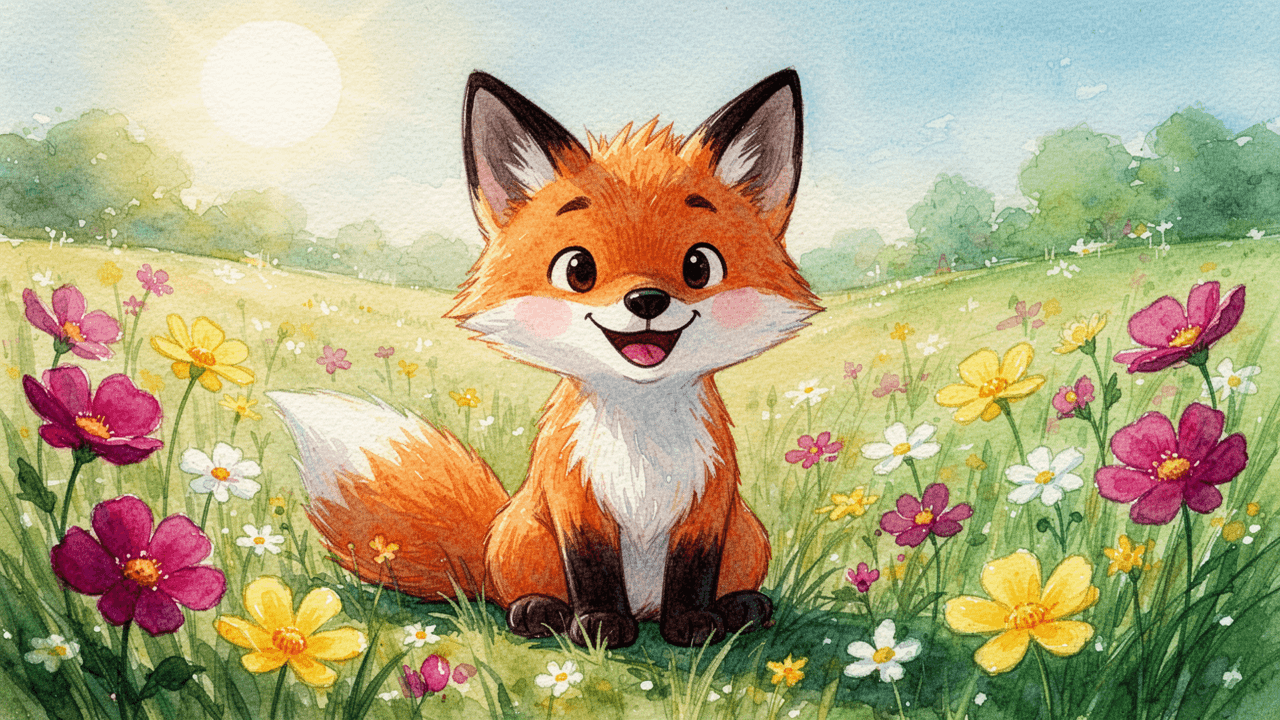
Vibrant Storybook Illustration
Perfect for children's educational content, animated fables, or family-friendly storytelling channels. Pairs naturally with expressive character voiceovers.
How to Generate Watercolor Videos
1
Write your script
Paste your story into the Video Maker, or let our auto-script mode write it for you based on your idea input.
2
Add the "Watercolor" prompt
Open the "Select Style" menu and choose "Custom" for "Style". Type your watercolor aesthetic into the prompt box — for example, "soft pigment washes", "wet-on-wet blending", "visible brushstrokes", or "ink wash texture" — to lock in the painted visual style.
3
Generate and edit
Design your characters in Step 2, or skip straight to the storyboard phase. Watch your script transform into a watercolor visual timeline where you can edit scenes, tweak characters, and add AI voiceovers before finalizing.
Trusted by 110K+ Creators
“I tried every software under the sun. Most didn't help. But Crreo got me where I am today—I'm monetized on YouTube now.”
— New YouTuber (Spirituality)
“I cannot be a video creator without Crreo. It is the one tool that gives you everything you need to create. There aren't many tools like this.”
— Part-time Video Creator (History)
“I have tried many AI tools and they are all so expensive. Crreo is, without a doubt, the best platform for the price.”
— Part-time YouTuber (Horror fiction)
Your Complete Studio for Long-form Video
Crreo turns your script into a complete AI video — characters, storyboard, voiceover, music, and editing in one workflow. Any visual style, up to 30 minutes.
Start for free
No confusing credit systems
Flexible top-ups available
Frequently Asked Questions
Do I need to upload a video to create a watercolor AI video?
What kinds of videos work best with a watercolor style?
Can I create different moods within the watercolor style?
Can I make a long watercolor video with consistent visuals?
How do I keep my watercolor characters looking the same across scenes?
Is the watercolor AI video generator free to use?
What voiceover options can I pair with watercolor videos?
Discover more styles
Watercolor Style Preview
A short description of the visual style will appear here.