
Mosaic AI Video Generator
Generate rich, tessellated mosaic-style videos from pure text in minutes. No base video upload required.
No credit card needed.
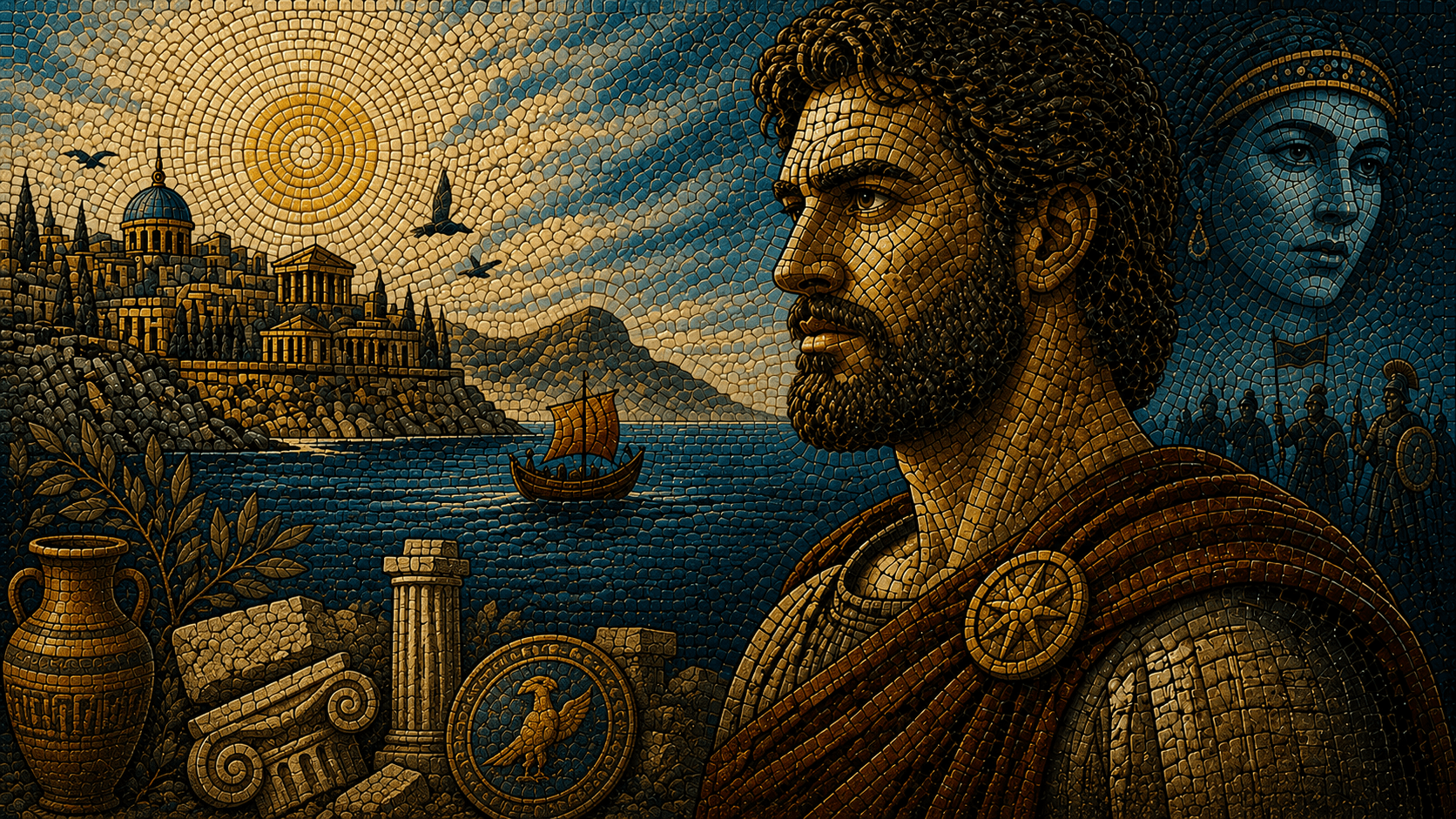
Explore Mosaic Video Styles
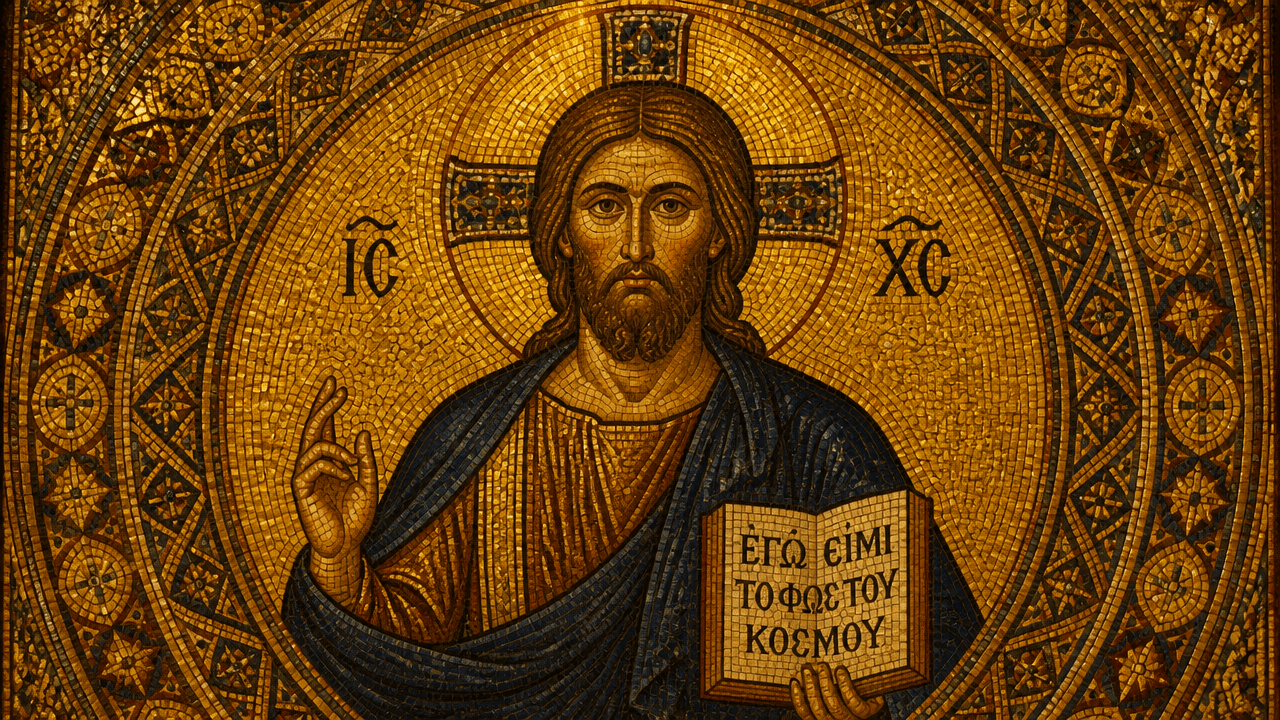
Classical Byzantine Mosaic
Evoke ancient grandeur with gilded tessera, sacred geometry, and rich amber tones. Ideal for historical storytelling, mythology explainers, and faith-based educational content.
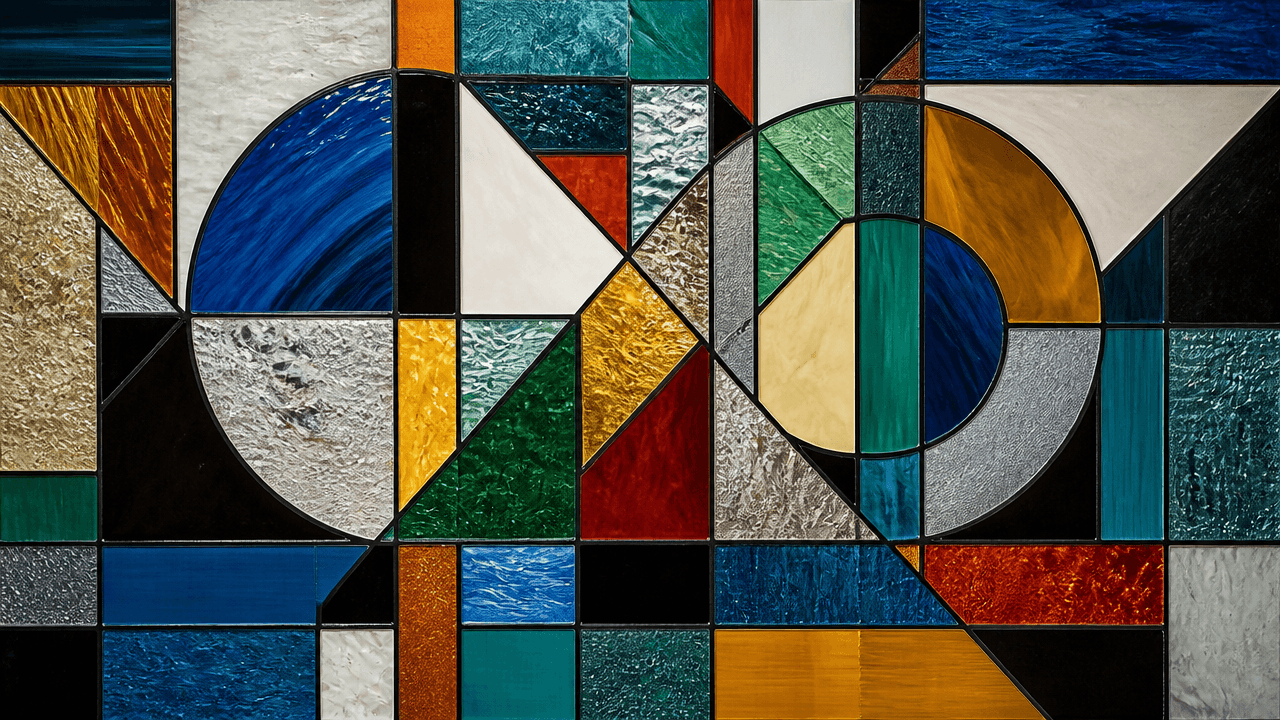
Modern Abstract Mosaic
Bold geometric fragments and vivid color blocking create a contemporary editorial feel. Perfect for tech explainers, brand storytelling, and design-forward channels.
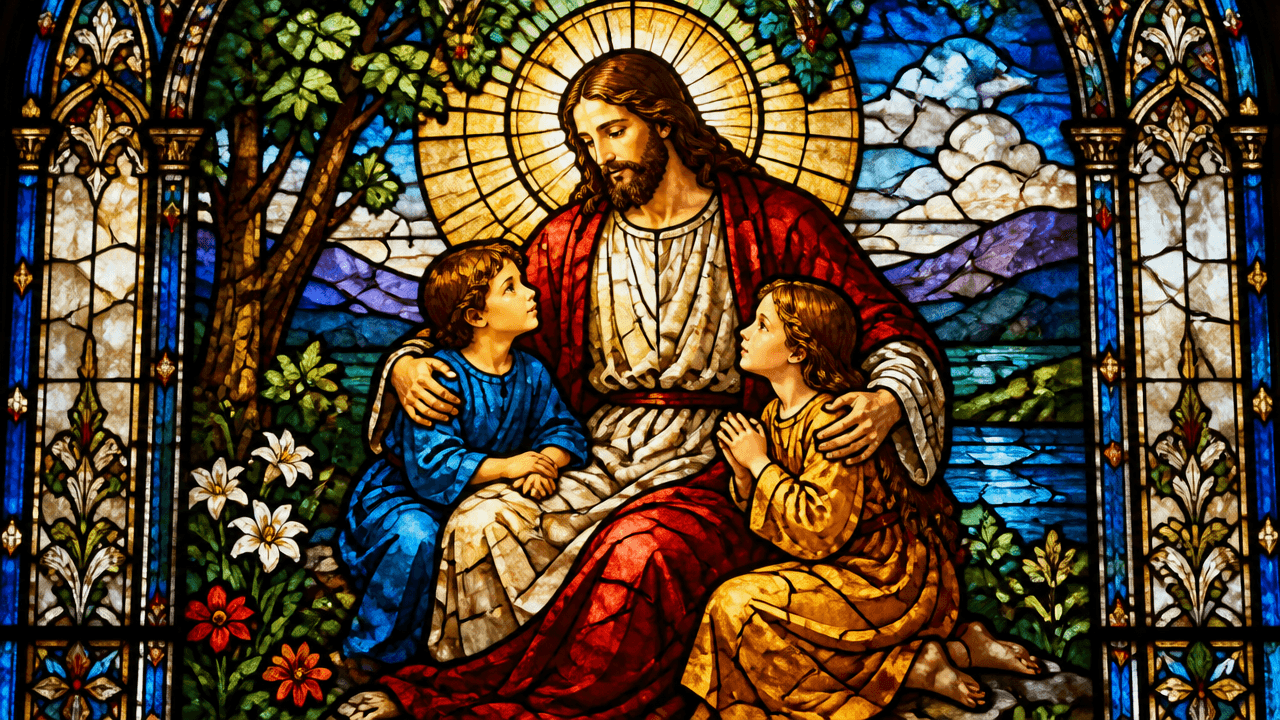
Stained Glass Mosaic
Translucent color panels with dark leading lines capture the beauty of cathedral windows. Stunning for spiritual narratives, fantasy worlds, and atmospheric storytelling.
How to Generate Mosaic Videos
1
Write your script
Paste your narrative into the Video Maker, or let auto-script mode expand your idea into a full script ready for mosaic visualization.
2
Apply the mosaic style prompt
Open the "Select Style" menu and choose "Custom" for "Style". Enter your specific mosaic aesthetic—such as "Byzantine mosaic" or "stained glass tessellation"—into the prompt box to define the visual direction.
3
Generate and refine
Design your characters in Step 2, then review the storyboard as your script transforms into a mosaic visual timeline. Edit individual scenes, adjust tile patterns, tweak characters, and layer AI voiceovers before exporting.
Trusted by 110K+ Creators
“I tried every software under the sun. Most didn't help. But Crreo got me where I am today—I'm monetized on YouTube now.”
— New YouTuber (Spirituality)
“I cannot be a video creator without Crreo. It is the one tool that gives you everything you need to create. There aren't many tools like this.”
— Part-time Video Creator (History)
“I have tried many AI tools and they are all so expensive. Crreo is, without a doubt, the best platform for the price.”
— Part-time YouTuber (Horror fiction)
Your Complete Studio for Long-form Video
Crreo turns your script into a complete AI video — characters, storyboard, voiceover, music, and editing in one workflow. Any visual style, up to 30 minutes.
Start for free
No confusing credit systems
Flexible top-ups available
Frequently Asked Questions
Do I need to upload a video to create a mosaic-style video?
Can I create a long mosaic video with consistent visuals?
How do I keep my mosaic characters looking the same across scenes?
What types of mosaic styles can I generate?
What voiceover options work with mosaic videos?
How much does it cost to make mosaic videos?