
How to Write AI Video Prompts for Crreo Video Maker
Your prompt tells the clip what happens next and how the camera behaves.
This guide covers the basics, useful prompt elements, common mistakes to avoid, and examples.
A good prompt follows a simple formula, [subject action] + [camera] + [scene detail], written in plain, present-tense sentences. It describes one or two visible movements, gives the camera a single clear instruction, and says what you want to see rather than what to avoid. For example: “The woman smiles and lifts her cup. The camera stays still. A light breeze gently moves the curtains.”
What does a good video prompt look like?
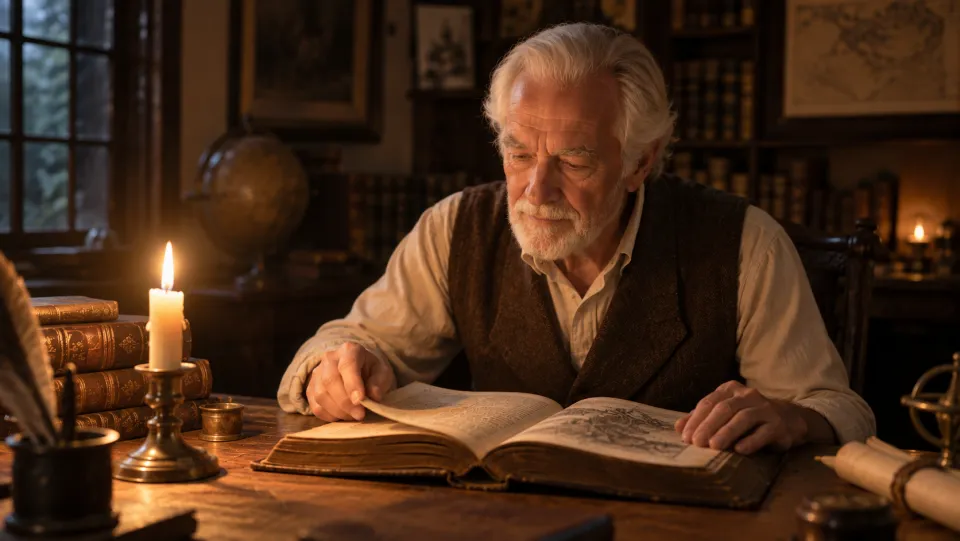
The old man turns a page and runs his finger along the text. The camera stays still. The candle flame flickers.
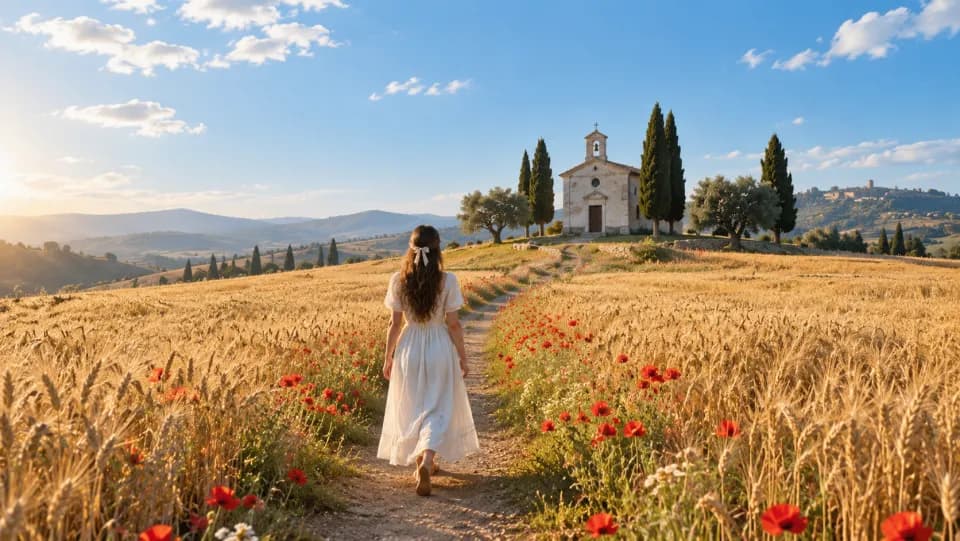
She walks slowly along the path toward the chapel as a gust of wind sweeps across the wheat and lifts her hair and dress. The poppies sway along the path. The camera moves forward along the path behind her.
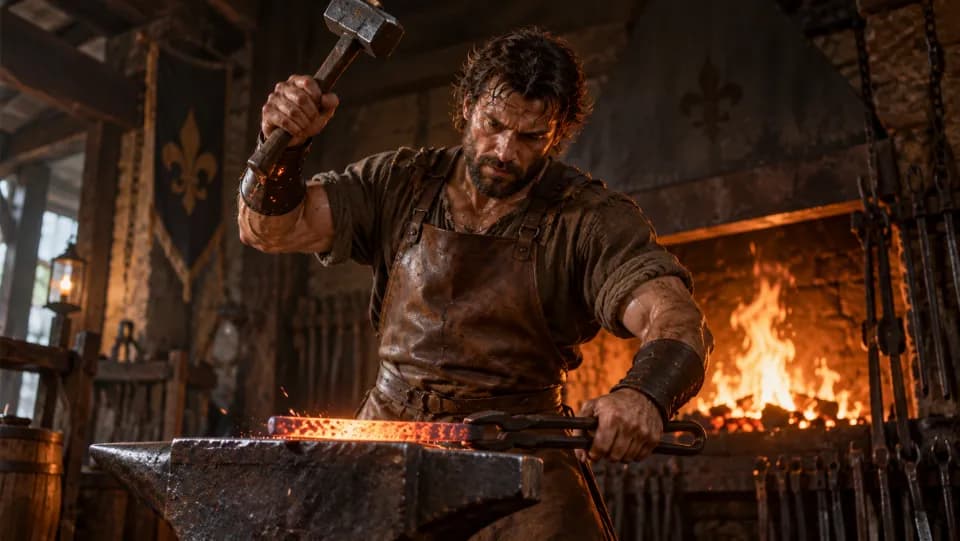
He holds the hammer raised, breathing hard, eyes fixed on the iron. The fire behind him flickers. The camera slowly moves closer to his face.
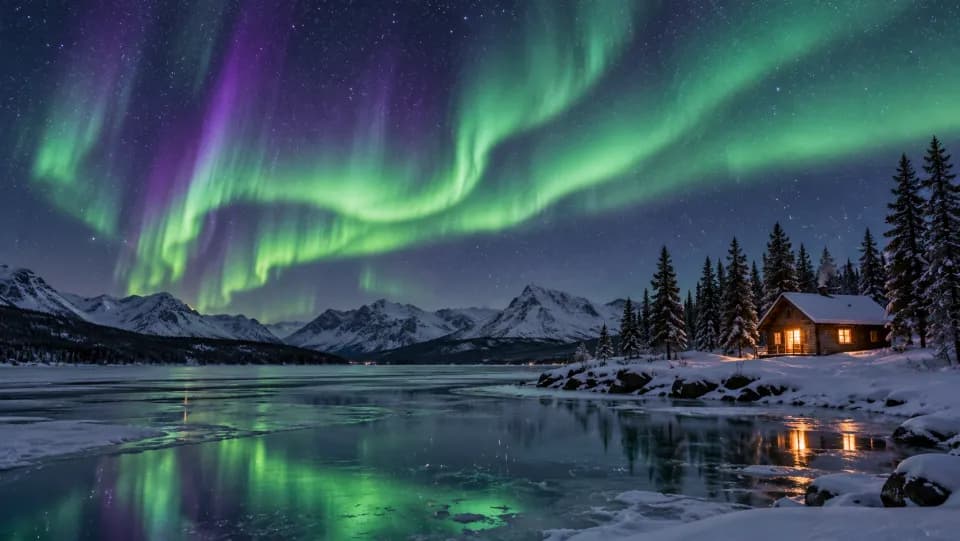
The northern lights ripple slowly across the sky and their reflection shifts on the frozen lake. The camera stays still.
What should a video prompt include?
A clip prompt usually combines these three elements. Start with the action, then add the camera and scene details as needed.
| Element | What to describe | Short example |
|---|---|---|
| Subject Action | What the person or object does, described as movements you can see: smiles, lifts her cup. | The woman smiles and lifts her cup. |
| Camera | Does the camera stay still or move? Say it in plain words. | The camera stays still. / The camera slowly moves closer to her face. |
| Optional Scene Details | Relevant environment motion, lighting or atmosphere, consistent with your image. | A light breeze gently moves the curtains. |
Not every clip needs camera movement. “The camera stays still” is a perfectly good choice, and often the best one when the action itself is the point. If the camera does move, keep it simple and say where it ends: “The camera slowly moves closer to her face.”
A simple starting structure: [Subject action]. [Camera instruction]. [Relevant scene detail].
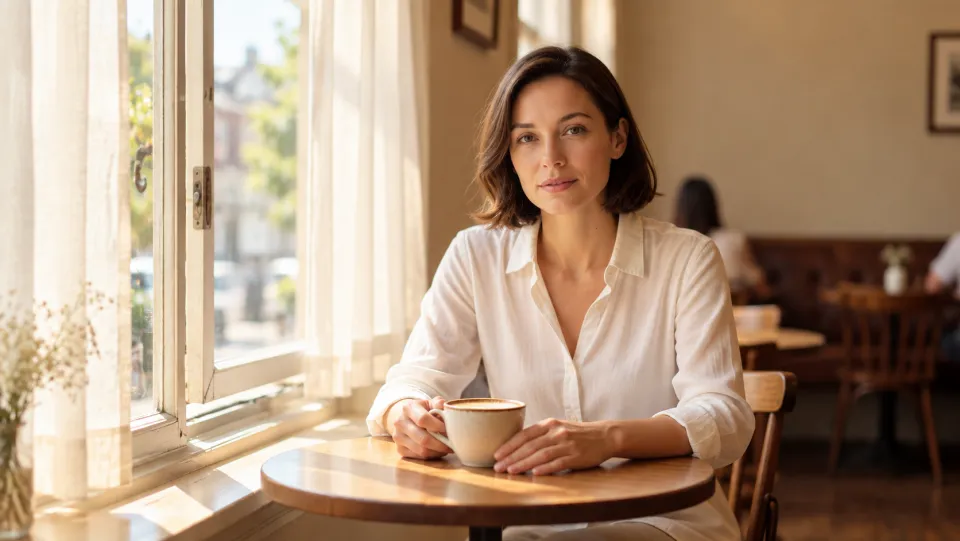
Here is a complete example with all elements:
The woman smiles and lifts her cup. The camera slowly moves closer to her face. A light breeze gently moves the curtains.
How should I structure a video prompt?
Start with the image. Check that the person and setting match your intended opening. The image supplies the starting appearance; you do not need to describe every visible detail again. For a new clip, generate the scene image first and regenerate it until the opening frame looks right. Only then write the video prompt for what happens in it.
Write it as if it is happening now, in order. Describe what the person does, step by step, the way you would tell a friend what you are watching: “She lifts the cup, takes a sip, then lowers it.” Full sentences work; a list of words does not. “woman drinking coffee in a cafe, smiling, cinematic, 8K ultra HD” leaves the model to guess who does what and when.
Start with the action, then add only what helps. Begin with what the person does: “She lifts her cup and takes a sip.” If the camera matters, say what it does: “The camera stays still.” If something in the scene should change, add it: “Sunlight moves across the table.” Stop when the prompt says what you want to see — more sentences don’t make a better prompt, clearer ones do.
What are the most common prompting mistakes?
There is no single right way to write a prompt, but these fixes solve most of the problems we see.
Describe what you want, not what to avoid
Write what should happen in the clip, not what should not. Words like “no” and “don’t” are not understood as instructions to remove something, and often produce the opposite of what you meant.
- Avoid:
No camera movement. Don’t move the camera. NO ZOOM.
- Better:
The camera stays still while she lifts her cup.
Give the camera one clear instruction
Pick one view and one movement. Stacking several camera terms asks for several shots at once, and the result will be one of them or a blend.
- Avoid:
Overhead, eye level, close-up, camera circles and zooms in.
- Better:
The camera starts in front of her at eye level, then slowly moves around to her left side, ending on the side of her face.
Keep the action focused
Too many actions in one prompt get compressed or skipped. Describe one or two things that happen, and save the rest for the next clip.
- Avoid:
She drinks, puts on her coat, leaves the café, meets a friend and gets into a taxi.
- Better:
She lifts her cup, takes a small sip and places it back on the table.
Describe people by how they look, not by name
The model only sees the image; it does not know who “Emma” or “Jack” is. Refer to each person by what is visible, especially when more than one person is in the frame.
- Avoid:
Emma lifts her cup while Jack watches.
- Better:
The woman in the red coat lifts her cup while the man beside her watches.
Use concrete, visible movements
Describe the physical movement you would see, not a quality or a feeling. If you cannot picture exactly what the body does, neither can the model.
- Avoid:
She makes a delicate head turn and feels nostalgic.
- Better:
She turns her head toward the window and looks at the rain.
Describe the result, not the feedback
The prompt is not a chat. “Better”, “more natural” or “try again” give the model nothing to draw. Say what you want to see instead — an expression, a gesture, a movement.
- Avoid:
Try again. Make her look happier and more natural.
- Better:
She looks toward the camera, gives a small smile and relaxes her shoulders.
Ready to Write Your First Prompt?
Pick an image, describe what happens next and let Crreo turn it into a clip.
Create Your First Video Free