
Risograph AI Video Generator
Generate vibrant, grain-textured risograph videos from plain text in minutes. No base video upload required.
No credit card needed.
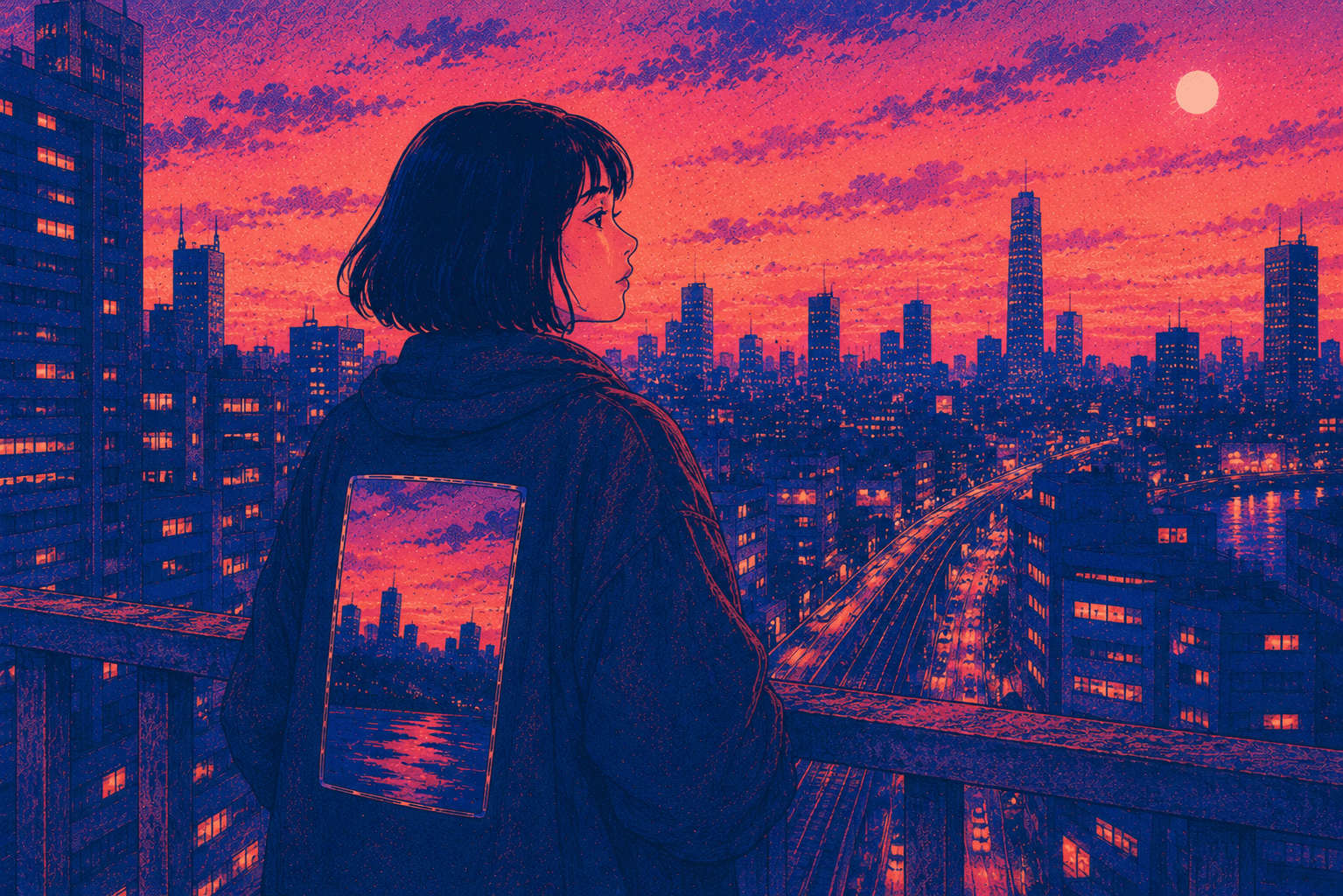
Explore Risograph Video Styles
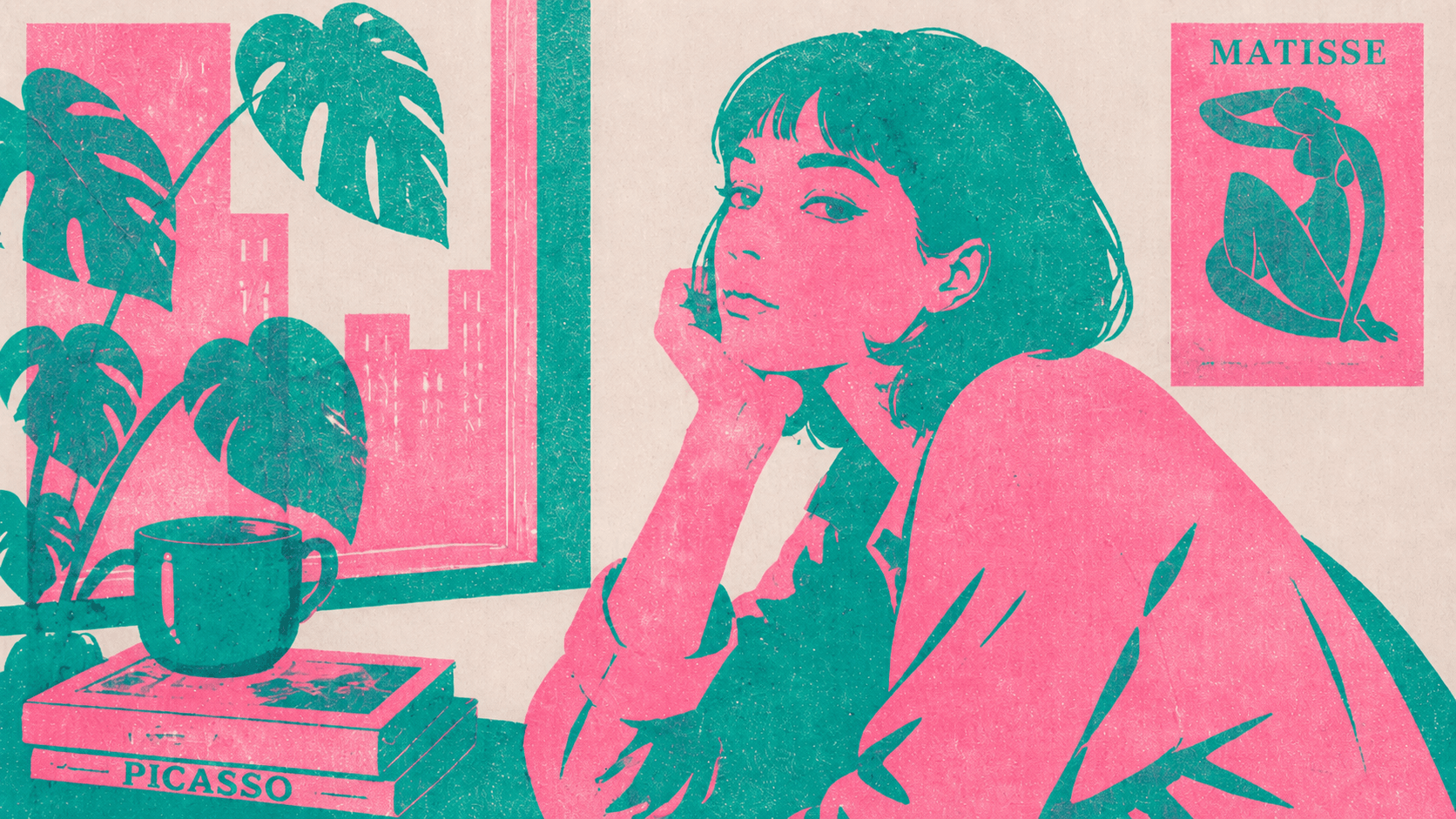
Bold Two-Tone Risograph
Ideal for educational explainers and zine-inspired storytelling. Use a two-color ink separation prompt with visible grain to give your scenes an authentic screen-printed feel.
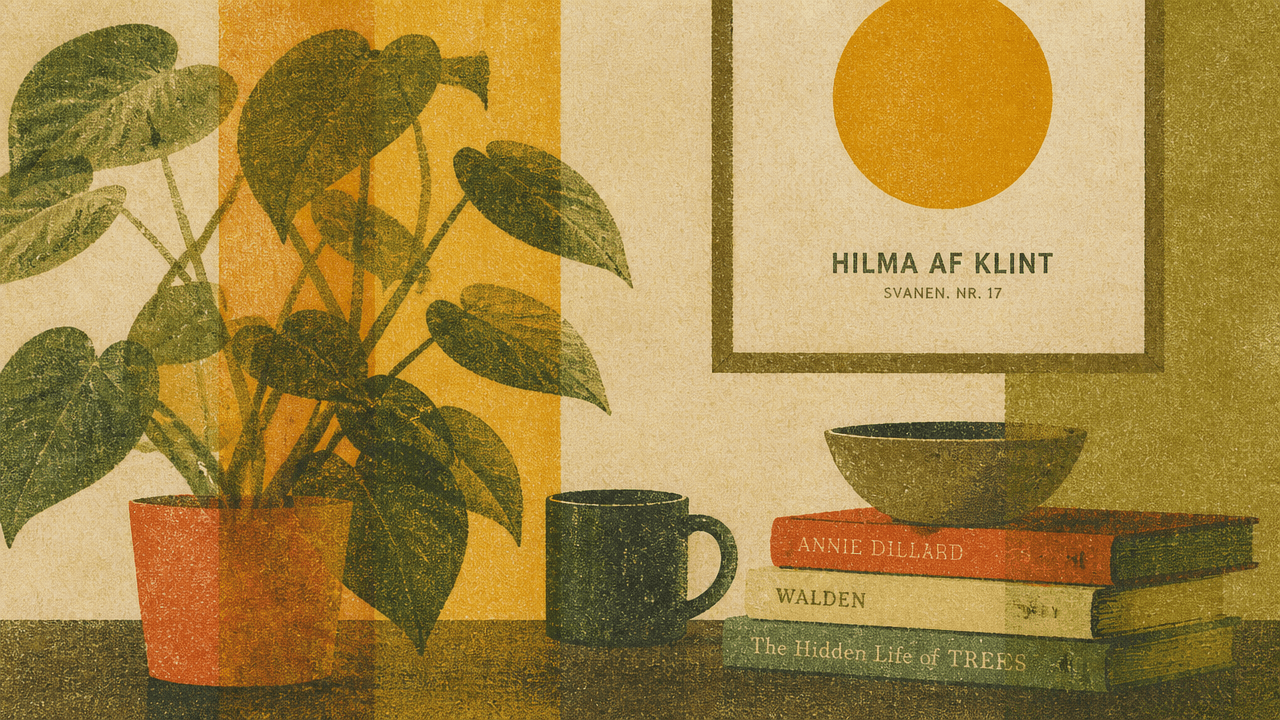
Muted Earthy Risograph
Create a vintage, editorial atmosphere with warm earth tones and soft ink overlaps. Perfect for historical narratives or reflective storytelling videos.
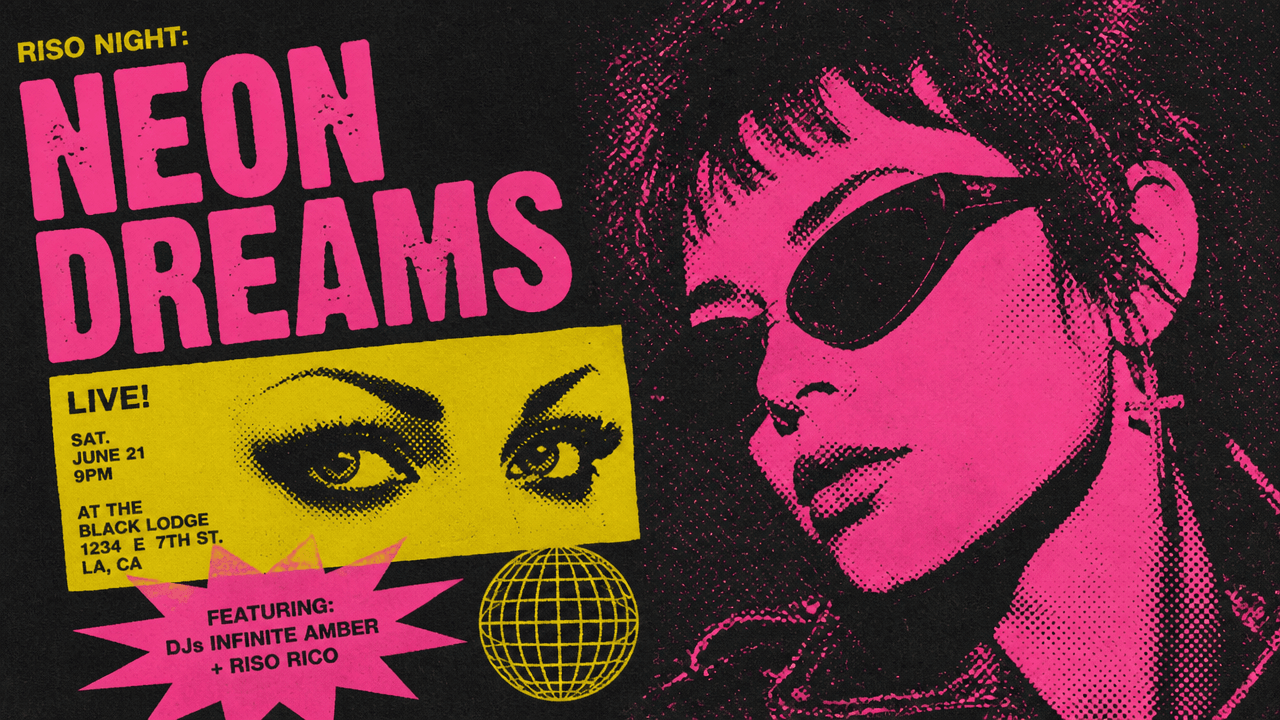
Neon Fluorescent Risograph
Push the risograph aesthetic into high-energy territory. Fluorescent ink colors and halftone patterns create eye-catching visuals for music videos, promos, or bold creative content.
How to Generate Risograph Videos
1
Write your script
Paste your story into the Video Maker, or let auto-script mode expand your idea into a full narrative ready for visual generation.
2
Apply the "Risograph" style prompt
Open the "Select Style" menu and choose "Custom" for "Style". Type your risograph aesthetic details—ink colors, grain texture, paper feel—into the prompt box to lock in the visual direction.
3
Generate and refine
Design your characters in Step 2, or jump directly to storyboard generation. Your script transforms into a risograph visual timeline where you can edit scenes, adjust ink layering, and add AI voiceovers before exporting.
Trusted by 110K+ Creators
“I tried every software under the sun. Most didn't help. But Crreo got me where I am today—I'm monetized on YouTube now.”
— New YouTuber (Spirituality)
“I cannot be a video creator without Crreo. It is the one tool that gives you everything you need to create. There aren't many tools like this.”
— Part-time Video Creator (History)
“I have tried many AI tools and they are all so expensive. Crreo is, without a doubt, the best platform for the price.”
— Part-time YouTuber (Horror fiction)
Your Complete Studio for Long-form Video
Crreo turns your script into a complete AI video — characters, storyboard, voiceover, music, and editing in one workflow. Any visual style, up to 30 minutes.
Start for free
No confusing credit systems
Flexible top-ups available
Frequently Asked Questions
Do I need to upload a video to create a risograph-style video?
Can I create a long risograph video?
How do I keep my risograph characters looking consistent?
What voiceover options can I pair with risograph visuals?
What types of risograph sub-styles can I create?
How much does it cost to make risograph videos?