Free Luma Alternative
Create complete videos up to 30 minutes easily with simple pricing
No credit card needed.
Crreo is not affiliated with, endorsed by, or sponsored by Luma. All trademarks belong to their respective owners. Product information may change.
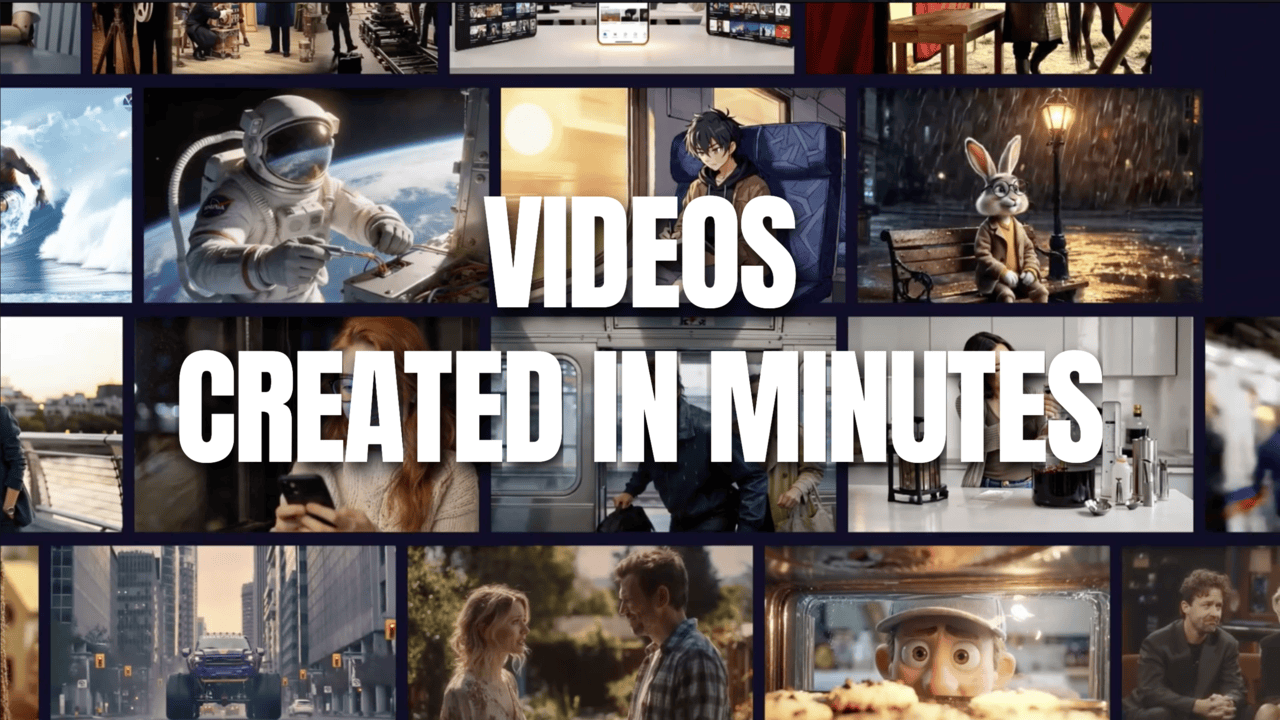
Create AI Videos Easily, Your Way
Create long-form videos without limits
Create videos up to 30 minutes—great for explainers, educational content, storytelling
An all-in-one workflow that handles script, character, voiceover, storyboard, scene, and music in one place
Create videos in any language with 200+ studio-quality AI voices
Build engaging characters
Create up to 4 distinct characters in one video
Consistent visual and audio performance throughout
Natural character dialogue and interactions
Effortless editing & sharing
Easily adjust scenes, voiceovers, or subtitles along a timeline using simple text prompts
Auto-generated thumbnails and subtitles seamlessly
Export in high quality and share it on YouTube, social media, or any other platform
AI Videos at Creator-Friendly Prices
Made for long-form AI videos | Full Creative Control
No Hassle with Credits | Transparent Monthly Allowances
Monthly billing
Annual billing
Save up to 43%!Start free with our best models
A one-time free allowance — no time limit.
Start
Billed annually
Fast lane to get started
- 60 video minutes
- 10 mins max video duration
- 60 mins speech
- No watermarks
- Full voice library
- Video model: Kine 1.1
- Image model: Kalo M
Grow
Most PopularBilled annually
Elevate your storytelling
- 120 video minutes
- 15 mins max video duration
- 120 mins speech
- Video model: Kine 2.2
- Image model: Kalo L
- Photo characters
- Save characters to "My library"
Pro
Billed annually
Scale with pro quality
- 240 video minutes
- 15 mins max video duration
- 240 mins speech
- Video model: Kine 3.2 in 1080p
- Image model: Kalo XL in 1080p
- Vocal Performance Control: Voxu Actor (30 Voices)
Ultra
Best valueBilled annually
Unstoppable creation power
- 480 video minutes
- 30 mins max video duration
- 480 mins speech
- Early access to new features
Why Creators Choose Crreo
The video maker works better than any other I have tried. The video length is longer than others I've seen, which is big.
My video nearly hit 1M views on TikTok thanks to Crreo!
The scripts and visuals are top-notch, and since using Crreo, my YouTube subscribers have increased.
Crreo is more than just one thing-it has more uses than any other AI I’ve found!
Crreo made it easy enough that anyone, regardless of technical skills or age, can pick it up quickly.
It is without a doubt the platform that offers the best price. I’ve tried many AIs, and they are all expensive.
Crreo’s voices are very natural and generate fast.
So far, it's the best AI video generator I've tried.
It just has better overall smoothness in the videos.
It makes video creation much faster and with great quality.
Crreo can actually make a horse look like a horse!
I’m impressed by how fast Crreo puts everything together. It makes the most expensive text-to-video generators seem like they’re running on Windows 98.
I've switched from Veed to Crreo. Love the ease of use and the visual quality!
Crreo has made creating videos so easy. I've tried others but Crreo is really the best!
How to Create Videos Without Luma's Limits?
1
Enter your idea
Type your video concept or use an existing script, then pick the style, voice, tone, duration, and language. Add characters or let the AI create them on the fly.
2
Edit and generate
Review the automatically generated storyboard for each scene. Tweak visuals, dialogue, or scene order using the timeline to customize every aspect.
3
Export and share
Apply finishing touches to scenes, subtitles, or audio. Then save the finished video in high quality and share it however you like.
Explore More
Luma Alternative
Explore this related text-to-video use case.
Pika Labs Alternative
Explore this related text-to-video use case.
Leonardo Alternative
Explore this related text-to-video use case.
Meta Movie Gen Alternative
Explore this related text-to-video use case.
Vidu Alternative
Explore this related text-to-video use case.
Text-to-Video AI for Long Videos
Explore this related text-to-video use case.
AI Video Generation FAQs
What makes this a good alternative to Luma Dream Machine?
Can I use my existing Luma Dream Machine assets?
How long can AI-generated videos be at maximum?
What AI voices can I use in my videos?
How much does creating AI videos cost?